
Smoke
Beautiful smoke, cloud, and fog effect using textures and transparency.
<Smoke /> is a component that renders a smoke in your scene. It is an abstraction that use a combination of textures, transparency and some calculation, to create a beautiful smoke - cloud - fog effect
Usage
Smoke component comes with a default texture abstraction it needs to be wrapped by a Suspense component
You can use <Smoke /> component without passing any props, but still if you want you can tweak the props to find the best setup for you
<script setup lang="ts">
import { TresCanvas } from '@tresjs/core'
import { Smoke } from '@tresjs/cientos'
</script>

<template>
  <TresCanvas>
    <TresPerspectiveCamera :position="[0, 3, 5]" />
    <Suspense>
      <Smoke />
    </Suspense>
    <TresAmbientLight />
  </TresCanvas>
</template>
Props
| Name | Type | Description | Default |
|---|---|---|---|
| color | TresColor | The color of the smoke. | '#ffffff' |
| opacity | number | The strength of the opacity. | 0.5 |
| speed | number | The rotation speed of the smoke. | 0.4 |
| depth | number | The base depth. | 0.3 |
| segments | number | The number of smoke to render. | 10 |
| texture | string | The texture of the smoke. | link |
| depthTest | boolean | The depthTest. | false |
| spreadY | number | Spread on the Y axis. | 0.1 |
| spreadX | number | Spread on the X axis. | 0.5 |
| scale | number | scale | 1 |
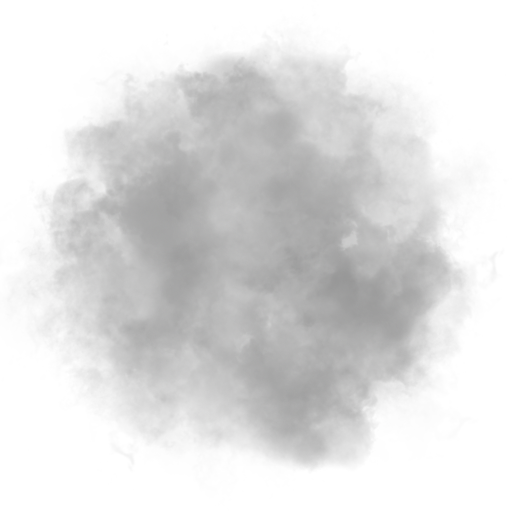
Default texture
